ICT and E-Learning
Aperçu des sections
-
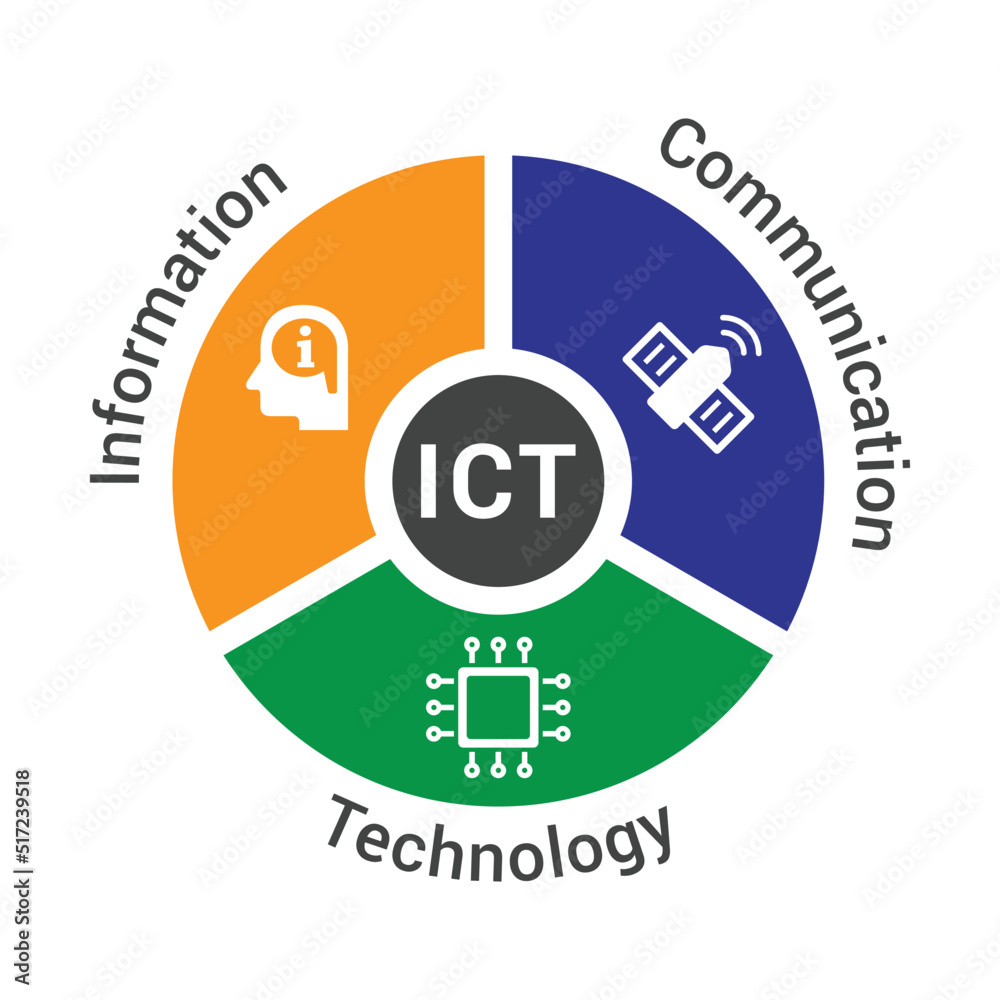
The ICT and E-Learning course introduces students to essential digital tools for their learning, including Microsoft Office, Google applications, free access and learning management system platforms, email management, as well as video conferencing tools. Hence, this course aims to bridge the necessary digital literacy gaps of students and equip them with digital skills needed for their university studies.
-
University: Abu Bakr Belkaid, Tlemcen.
Faculty: Letters and Foreign Languages
Department: English
Target audience: L1 Bachelor
Course title: ICT and E-Learning.
Credit: 1
Coefficient: 1
Duration: 24 weeks
Timetable: Sunday (10:00 – 11:30)/Monday (8:30-10:00/10:00-11:30/12:30-14:00)/Tuesday (10:00-11:30/12:30-14:00)
Rooms: Lab 3/R18/R2/R18/MMR2/MMR1
Lecturer in charge: Dr. Soumia Bouhafs
Email: Soumia.Bouhafs@univ-tlmcn.dz/I aim to reply to emails on a daily basis.
Availability: Sunday from 8:30 to 12:30/Staff room
-
This module aims at familiarizing first year students with Microsoft Word and PowerPoint.
By the end of this course, the student will be able to :
- Create academic and professional documents effectively.
- Produce professional looking presentations.
-
The students are expected to have a few basic prerequisites to make the learning process smoother.
Basic computer literacy, including students' understanding of how to use a keyboard and a mouse, and knowing how to navigate the desktop and open/close programs. Also, students are expected to be familiar with saving, opening, and organising files and folders.
Reading and Typing skills: Ability to read instructions and menus in English, in addition to basic typing skills for using Word and creating slides in PowerPoint.-
Guidance Resources
-
-
Exchange spaces.
-
PDF support material.
-
Web and External Resources.
-
-
Exchange spaces
-
PDF support material.
-
Web and External Resources.
-
Work in groups
-
Fill in a record to share a useful function or tip you discovered in MS Word or PPT. You may include a screenshot or file to illustrate it.
-
-
Guidance Resources